
FF Advance Server Blog
Explore our latest guides and articles covering everything from installation and features to troubleshooting common issues with FF Advance Server.
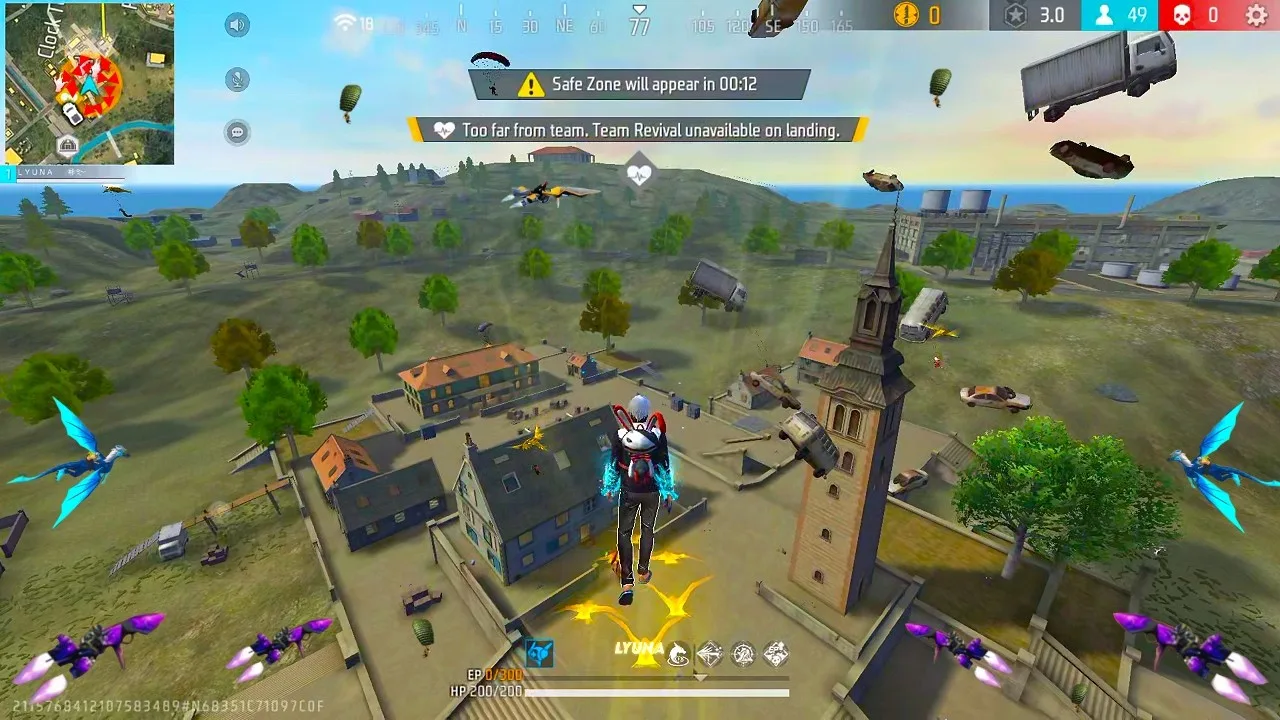
How to Register for FF Advance Server on Android
Learn how to register for FF Advance Server on Android, from signing in and completing the form to confirming your place in the next test cycle, step by step.
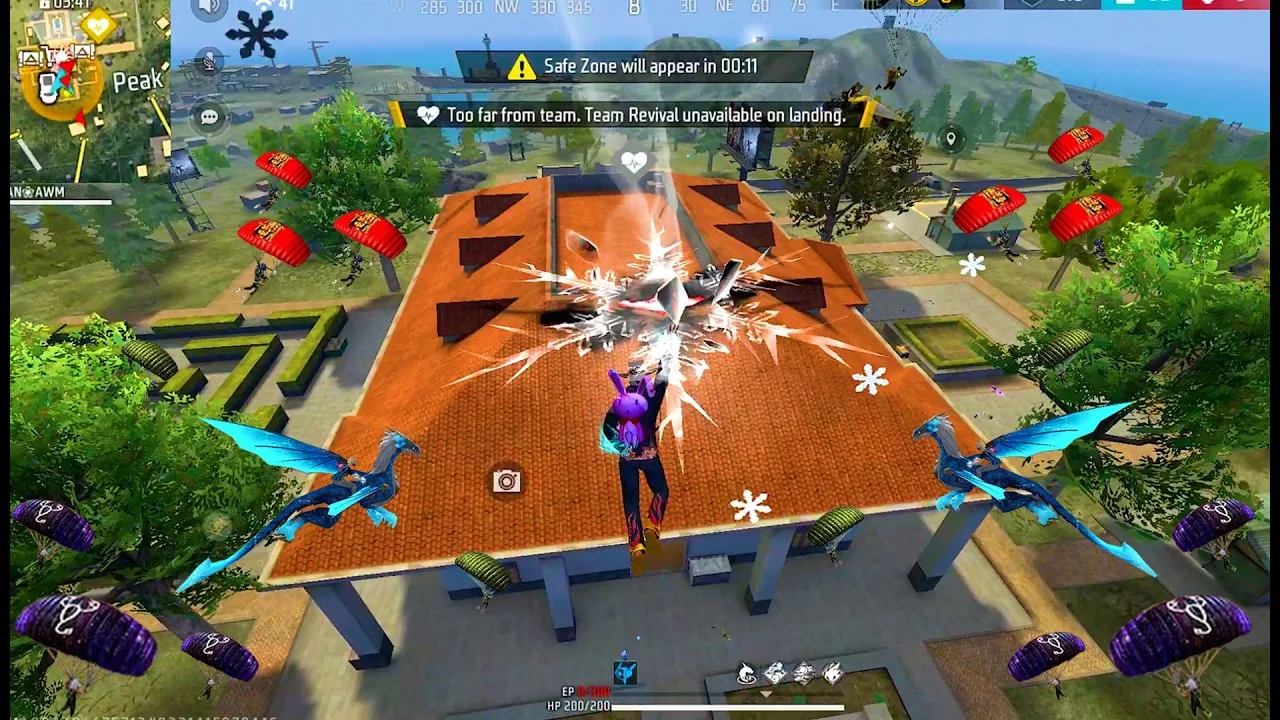
FF Advance Server Activation Code Explained Simply
Understand the FF Advance Server activation code, where it comes from, how to enter it correctly, and what to do when a code message appears on your screen.

FF Advance Server vs Regular Free Fire Key Differences
Compare FF Advance Server vs regular Free Fire, covering content timing, accounts, stability, rewards, and which version suits different kinds of players.
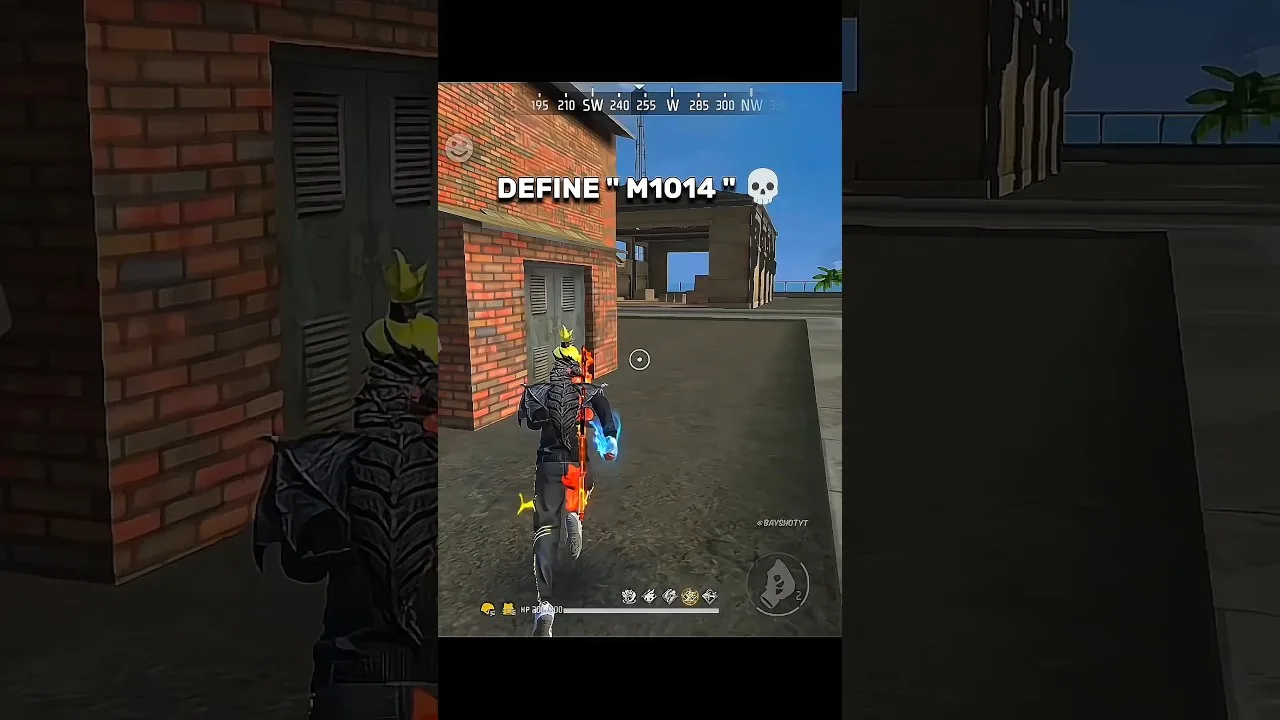
FF Advance Server Best Settings Guide for Android
Set up FF Advance Server with the best settings for Android, covering graphics, sensitivity, controls, and audio for smoother test sessions on any phone.

FF Advance Server Update Guide for New Test Builds
Follow this FF Advance Server update guide to prepare for new test builds, handle fresh installs, and keep your access ready for every cycle from day one.
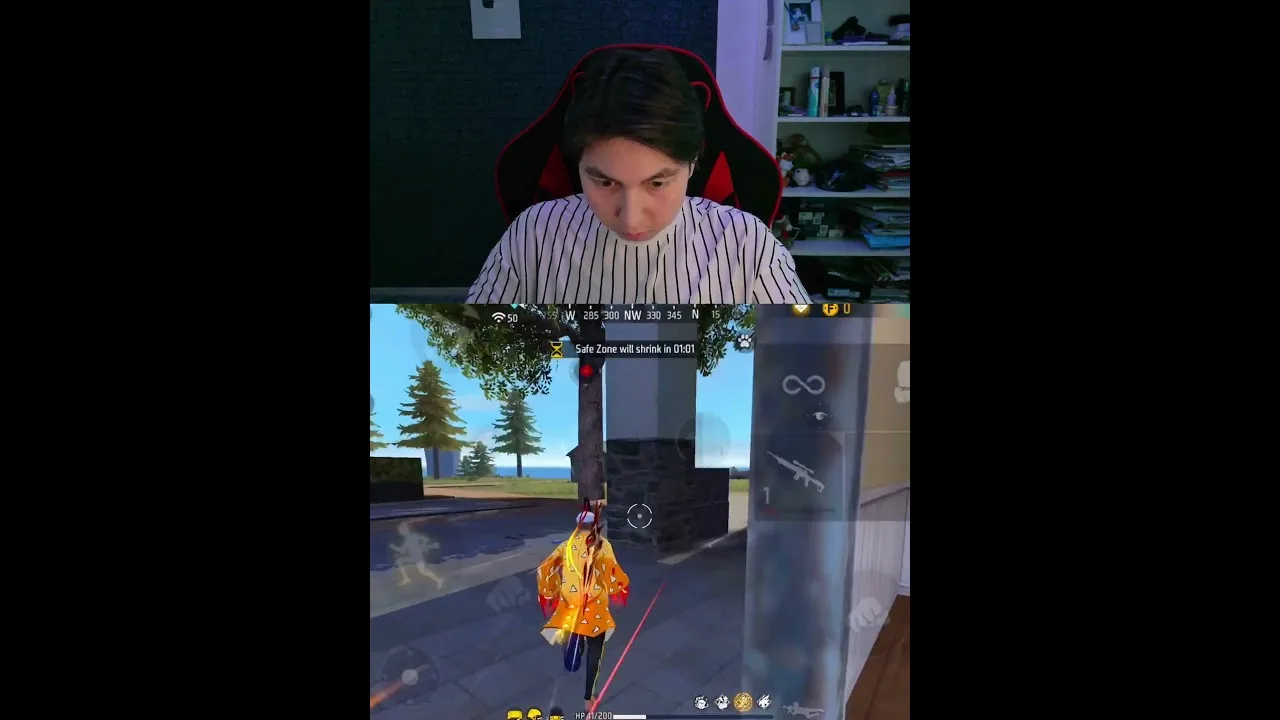
FF Advance Server Login Problems and Easy Fixes
Fix FF Advance Server login problems on Android, from wrong account errors and stuck loading screens to code prompts that keep coming back again and again.

FF Advance Server Characters and Pets Testing Guide
Learn how to test new characters and pets in FF Advance Server, compare abilities fairly, and notice balance details before the wider release arrives.
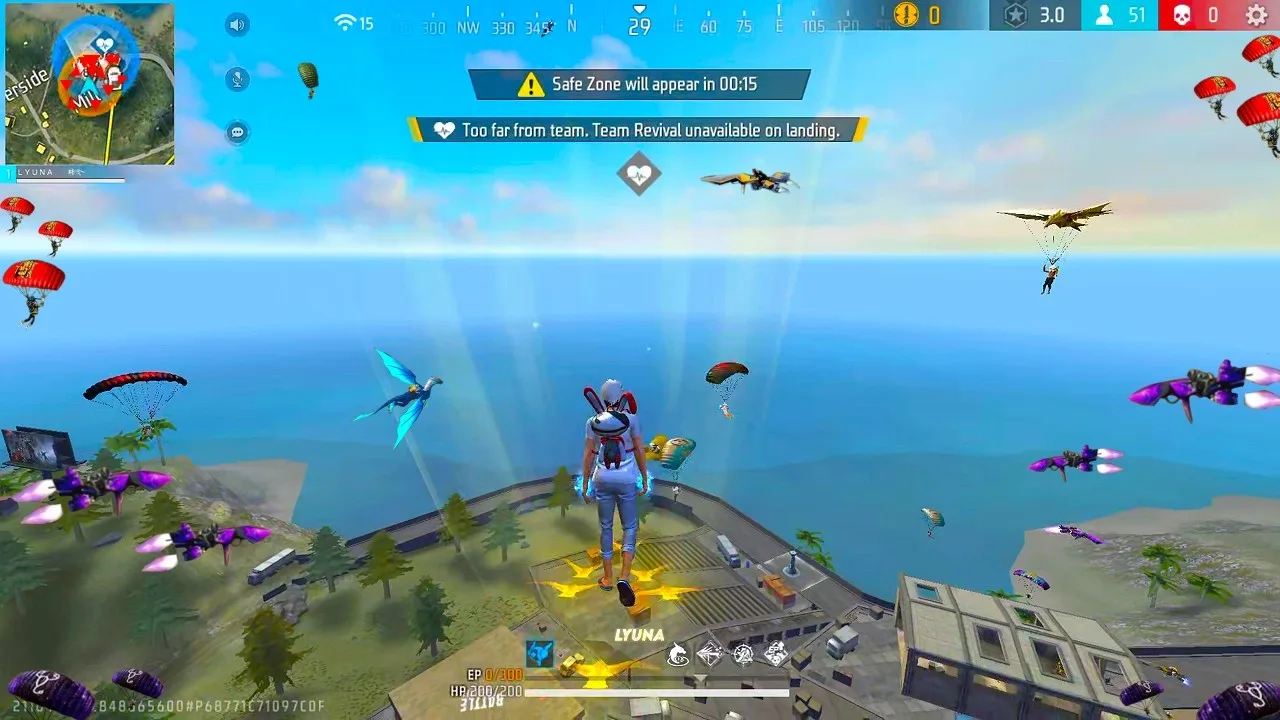
FF Advance Server Weapon Testing Guide for Players
Test new and adjusted weapons in FF Advance Server properly, with range checks, recoil control, damage comparisons, and attachment testing tips for players.

FF Advance Server Beginner Tips for First-Time Testers
Start strong with these FF Advance Server beginner tips, covering first sessions, what to test first, common rookie mistakes, and simple daily habits.
FF Advance Server Lag and Ping Fixes for Android
Reduce lag and high ping in FF Advance Server on Android with practical fixes for network choice, background apps, graphics load, and simple routing checks.
FF Advance Server Events and Rewards Guide
Understand FF Advance Server events and rewards, how test events work, what carries over, and how to prioritise limited-time test content during every cycle.
FF Advance Server Bug Report and Feedback Guide
Write FF Advance Server bug reports and feedback that get acted on, with clear steps, useful details, screenshots, and follow-up habits that really work.
FF Advance Server Storage Tips to Free Up Space
Free up space for FF Advance Server with practical storage tips, covering caches, old builds, media cleanup, and safe room for new test installs on Android.
FF Advance Server Maps and Modes Testing Guide
Explore new maps and modes in FF Advance Server with a structured testing approach for routes, loot balance, pacing, and mode rules clarity for testers.

How to Install FF Advance Server on Android
Learn how to install FF Advance Server on Android with simple setup steps, storage tips, and access guidance for the current test build.

FF Advance Server Features Guide for Android
Explore the main FF Advance Server features, including early content previews, test access, bug-reporting context, and update-cycle behavior.

FF Advance Server Device Compatibility Guide
Check FF Advance Server device compatibility for Android phones, tablets, TV devices, Fire TV, and emulator-based setups.

FF Advance Server Main Sections Guide
Learn the main FF Advance Server sections players usually check first, including gameplay previews, events, interface areas, and feedback-related content.

FF Advance Server Not Working Common Problems and Fixes
Fix common FF Advance Server problems such as install errors, launch issues, login trouble, storage limits, and unstable performance.

Best Ways to Use FF Advance Server on Android
Learn the best ways to use FF Advance Server, from testing updates and comparing changes to checking events, menus, and performance behavior.